
Connected guest information
Keep supported guest and reservation information synchronized.
ELUNIA + Apaleo
Connect your Apaleo property with ELUNIA to keep supported guest and reservation information synchronized, automate guest feedback workflows and turn responses into actionable guest experience insights.


Connected hospitality
Keep supported guest and reservation information synchronized.
Prepare feedback journeys around supported stay milestones.
Use supported guest language preferences and configured survey translations.
Understand feedback, identify issues and improve the guest experience.
From connection to communication
Connecting Apaleo does not activate guest communications. Sending follows your separate Go Live and sending settings; existing automations remain governed by their current safeguards.
The supported data
Synchronization follows the supported integration contract. Only supported data is imported—not every field available in Apaleo.
Across the guest journey
Synchronized stay information supports ELUNIA’s configured feedback journeys. Guest language preferences and configured translations support multilingual communication.
Before-arrival feedback journeys
During-stay feedback, guest attention and recovery workflows
Post-stay surveys, feedback reporting and insights
Control & data safety
Inside ELUNIA
Product screenshot pending
Product screenshot pending
Product screenshot pending
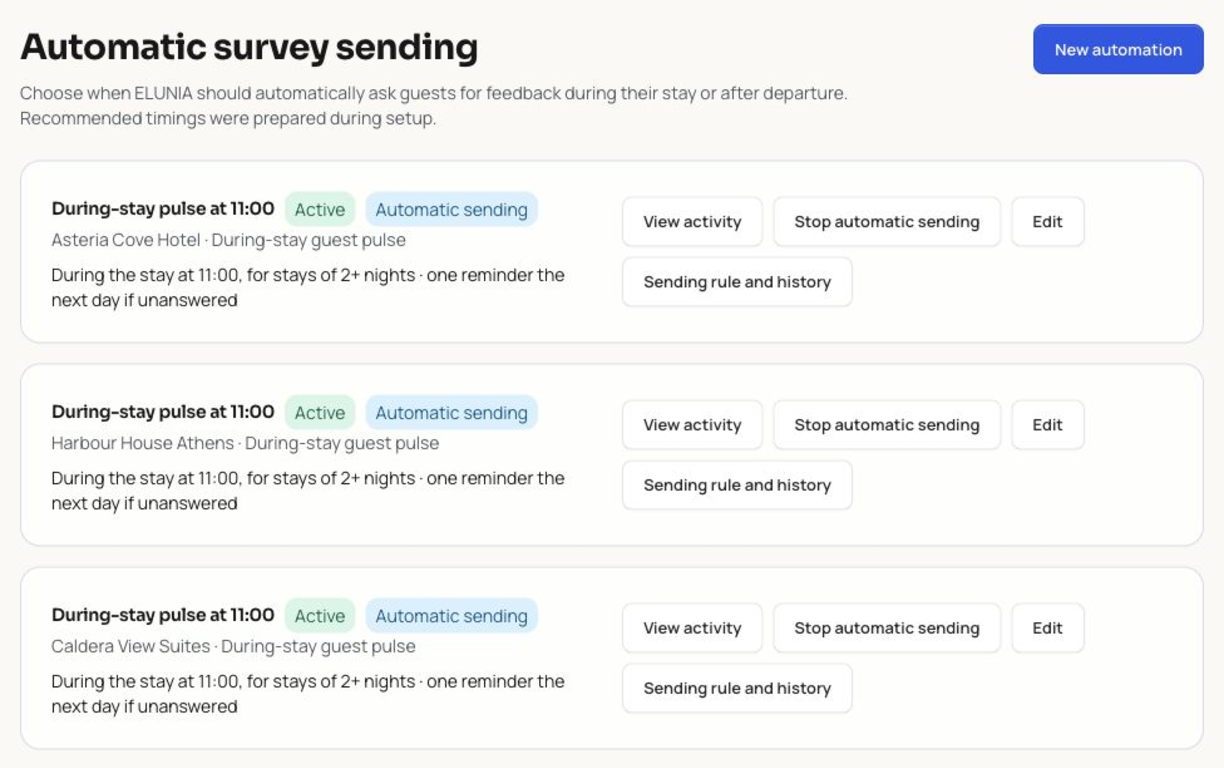
Product screenshot pending
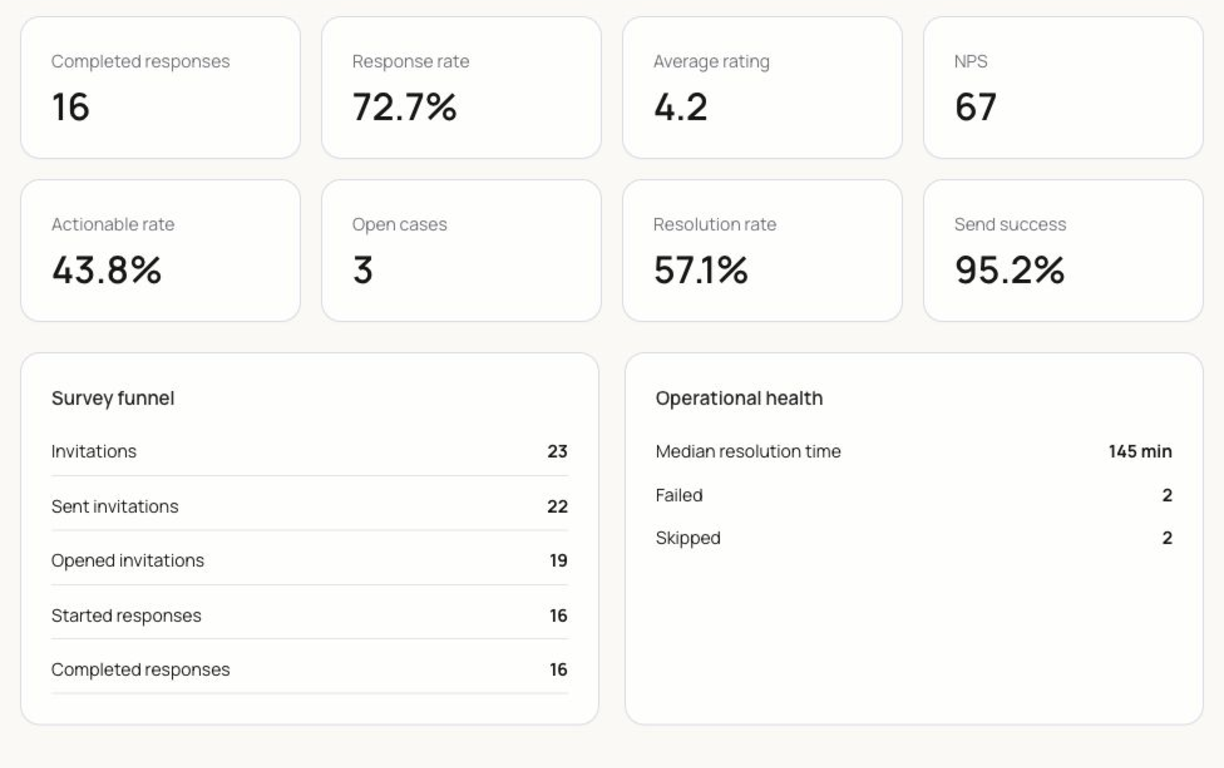
FAQ
Yes. You need an Apaleo account with access to the property you want to connect, and an ELUNIA account.
Connecting Apaleo does not activate guest communications. Sending follows your separate Go Live and sending settings; existing automations remain governed by their current safeguards.
Supported accommodation units, guest information, reservations, stays and reservation lifecycle changes. Not every Apaleo field is imported.
Yes. Disconnecting the property connection stops synchronization.
Imported records remain available in ELUNIA. Disconnecting stops synchronization; it does not remove those records.
Yes. Review your connection and sending configuration before activating guest communications through ELUNIA Go Live.
Yes. Supported guest language preferences and configured survey and content translations support multilingual guest experiences.
Bring your Apaleo property and ELUNIA together to simplify guest feedback operations.